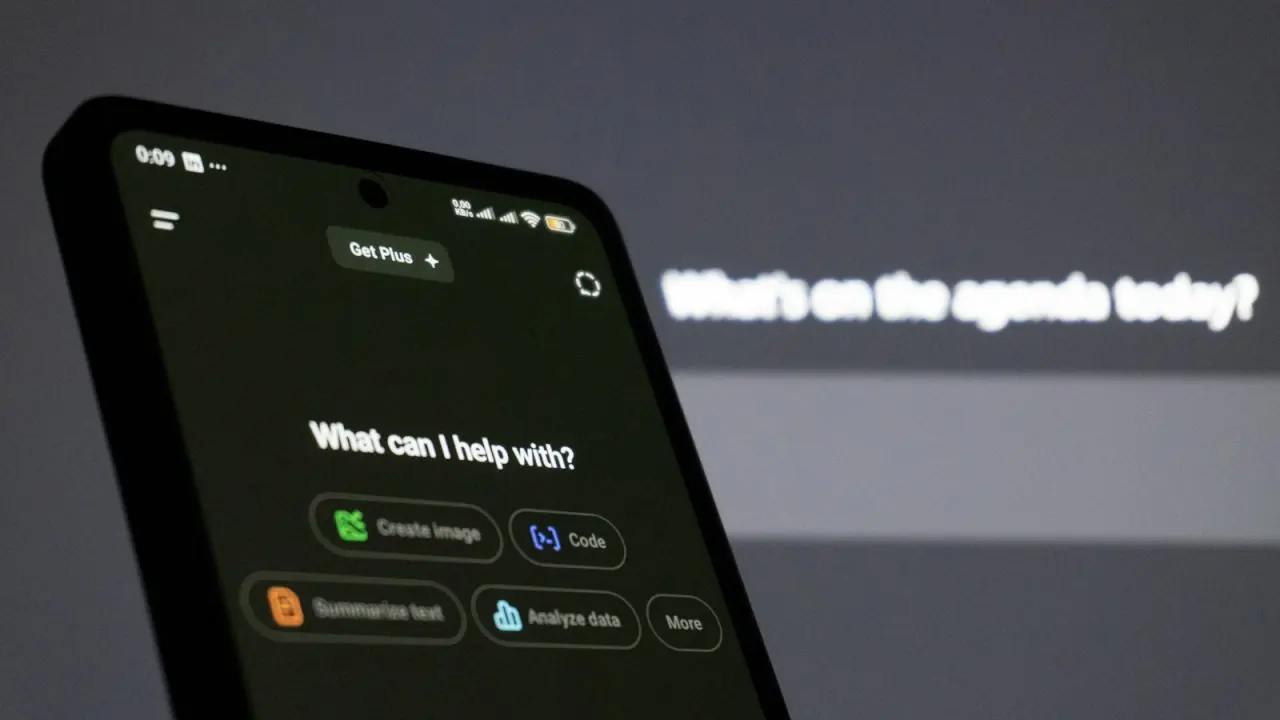
Why a business needs a chatbot
Customers and employees are already in messengers. A bot handles typical requests around the clock, without queues or a human, and passes complex ones to a manager with all the context.
Scenarios for customers
1. Request intake and lead qualification
The bot asks a few questions, identifies the need and passes the lead to the right sales rep in the CRM.
2. Order status
The customer enters the order number and sees the status without calling support.
3. Booking a service
Choosing a date, time and specialist, with a reminder the day before.
4. Answers to frequent questions
Delivery, payment, warranty, opening hours — the bot handles up to half of typical requests.
5. Collecting reviews and NPS
After a purchase the bot asks the customer to rate the service and immediately forwards negative reviews to the manager.
Scenarios for the team
6. Internal requests
An IT request, a pass, a leave request — straight from the messenger, with an approval route in the process system.
7. New hire onboarding
The bot guides a new employee through the first week: introductions, documents, first courses. See the onboarding checklist.
8. Microlearning
Short lessons and tests every day in the messenger — handy for frontline staff without a computer.
9. Pulse surveys
An anonymous one- or two-question survey every week — and HR sees the team’s mood.
10. Reports for the manager
Every morning the bot sends key indicators: sales, overdue tasks, approvals in the queue.
Telegram or Viber
| Telegram | Viber | |
|---|---|---|
| Audience | Active, especially younger and business users | Broad, including older users |
| Bot capabilities | Very flexible: buttons, mini-apps, payments | Basic buttons and menus |
| Cost of mailings | No per-message fees | Commercial mailings are paid |
It often makes sense to launch the bot in both messengers on shared logic.
How to build a bot: 5 steps
- Choose 1–2 scenarios with the largest flow of repetitive requests.
- Write out the dialogue and the hand-off points to a human.
- Integrate the bot with the CRM or portal — otherwise the data stays in the messenger.
- Launch it for part of the audience and analyse where people drop off.
- Add scenarios gradually.
We do chatbot development for business with integration into the CRM and Folck — so the bot is part of the process, not a standalone toy.